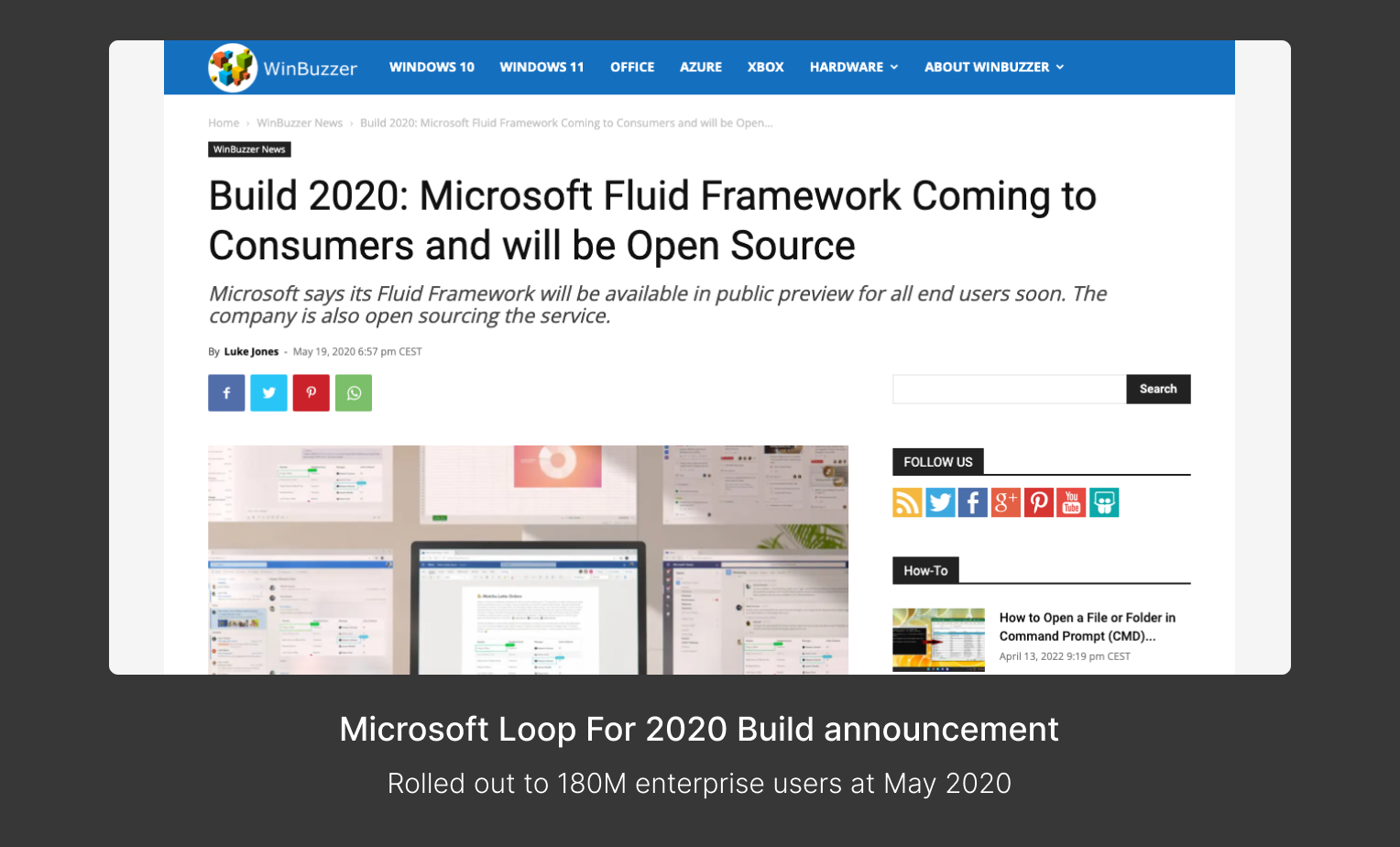
Collaboration is evolving across environments, requiring adaptable tools like Loop.
While office products offer embedded solutions, they lack seamlessness. We've identified several collaboration moments that can be improved.
02. MY ROLE
UX Design | Visual Direction | Design System | User Research
03. WHO ARE WE DESIGNING FOR?
We see a chance to enhance productivity for modern workers who depend on online storage, sharing, and collaboration. Interviews revealed that remote work and waiting on others to complete tasks are common challenges.
We learned from Accenture, Avanade, Cisco, Estee Lauder, Fresenius, Koch Industries, LinkedIn, LLBean, Lobe.ai, Nike, OMG(Omnicom), Usertesting.com, Zillow, etc.
The increase in duo users highlights a shift in work habits, and Office needs to adapt. Research shows users prioritize collaboration over individual editing, but Office products don't fully support this change.
Echoed user quotes:
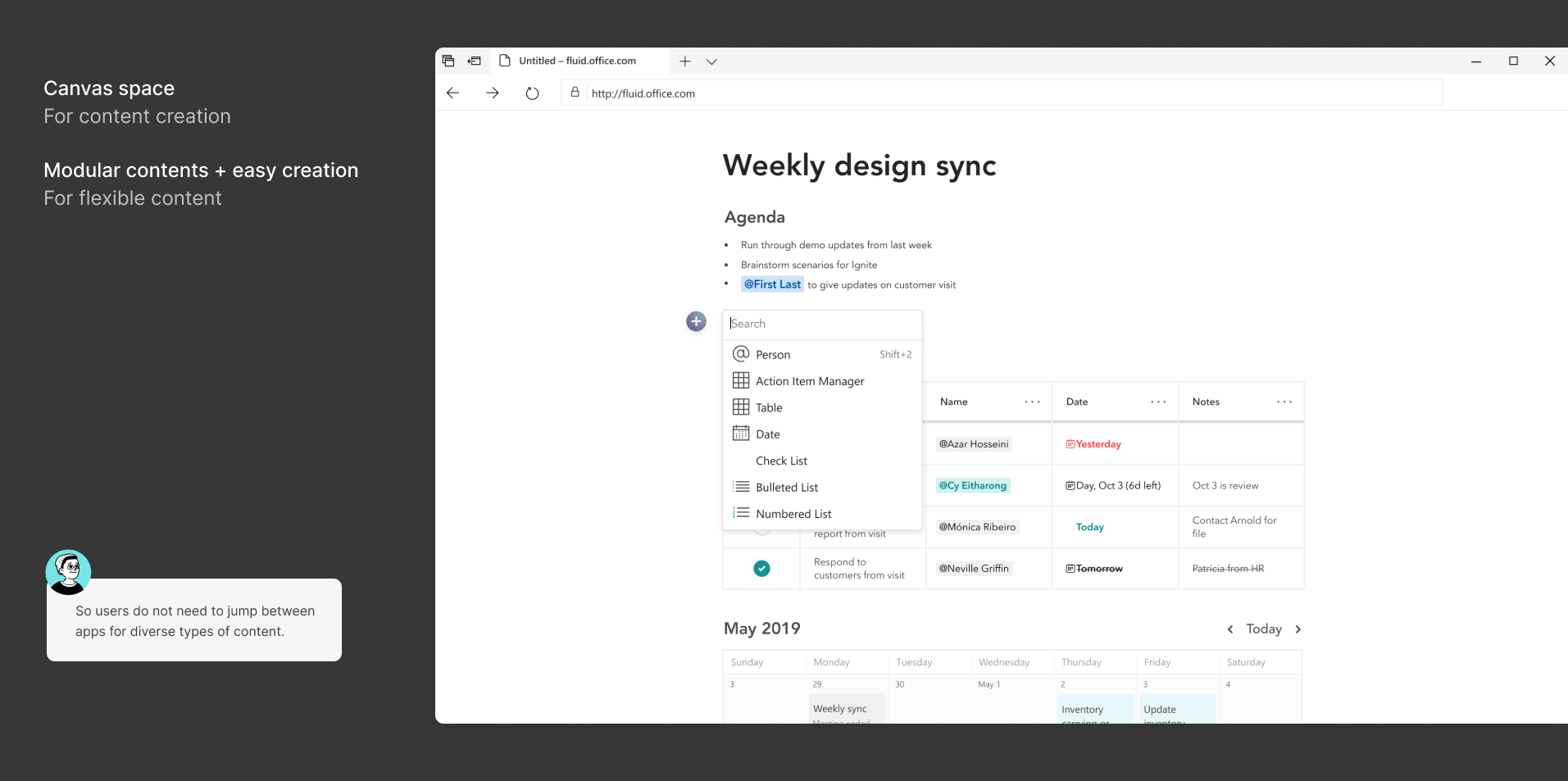
- “I need to jump between apps for collaboration.“
- “I have to jump between Apps for different content“
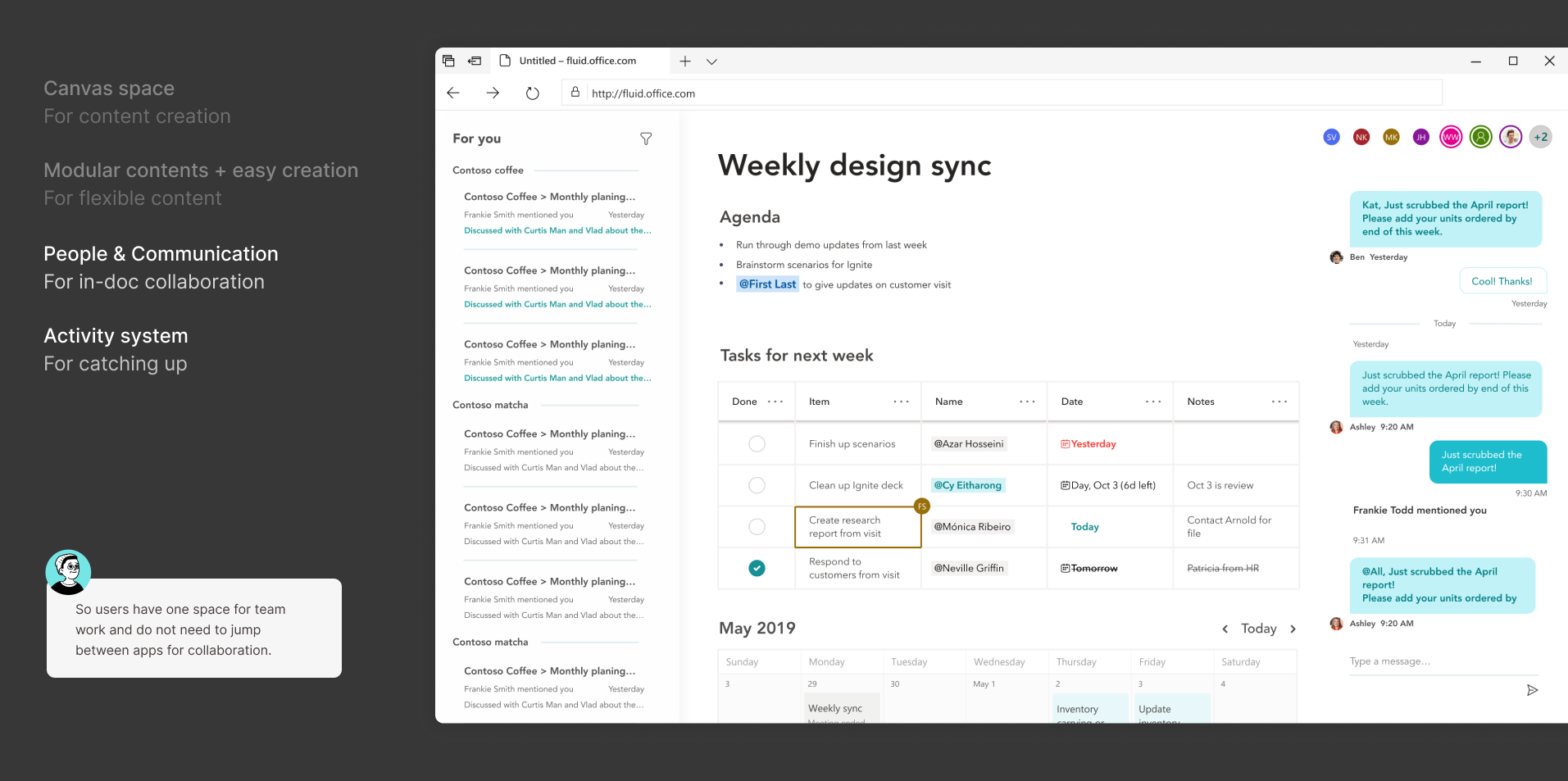
- “I want one place to work together with the team, instead of everyone use their own tool.”
05. KICKOFF - DESIGN SPRINT
We formed a small team to kickoff this project.
The first step after all insights collected, was a 2 weeks long design sprint.
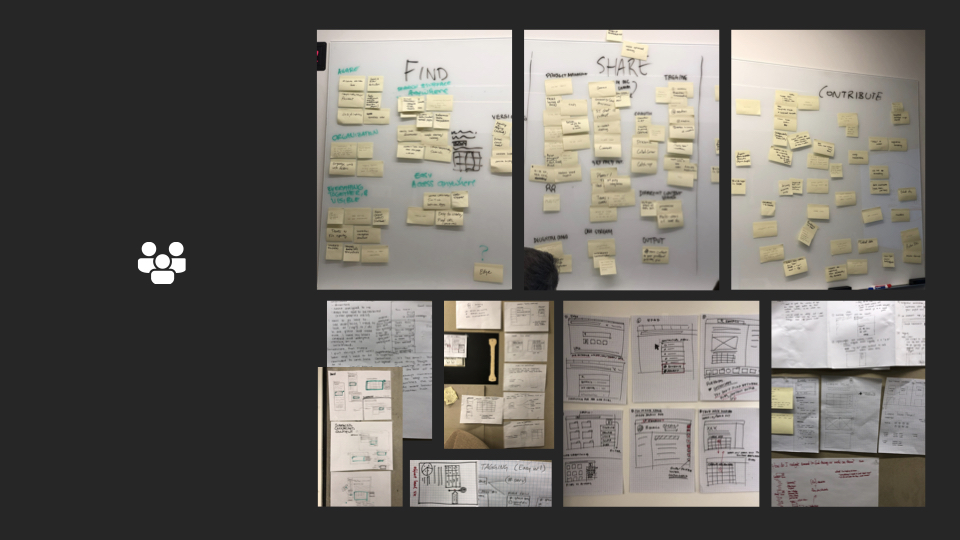
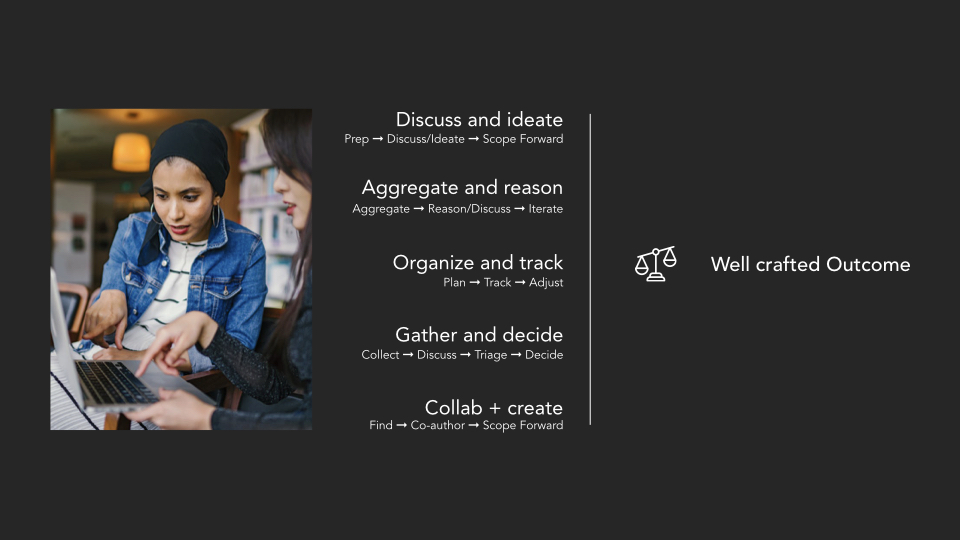
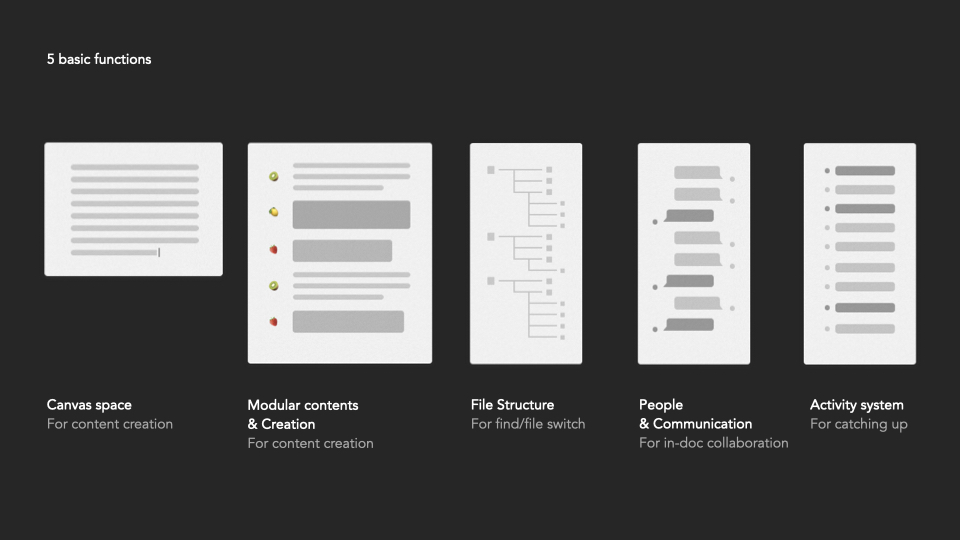
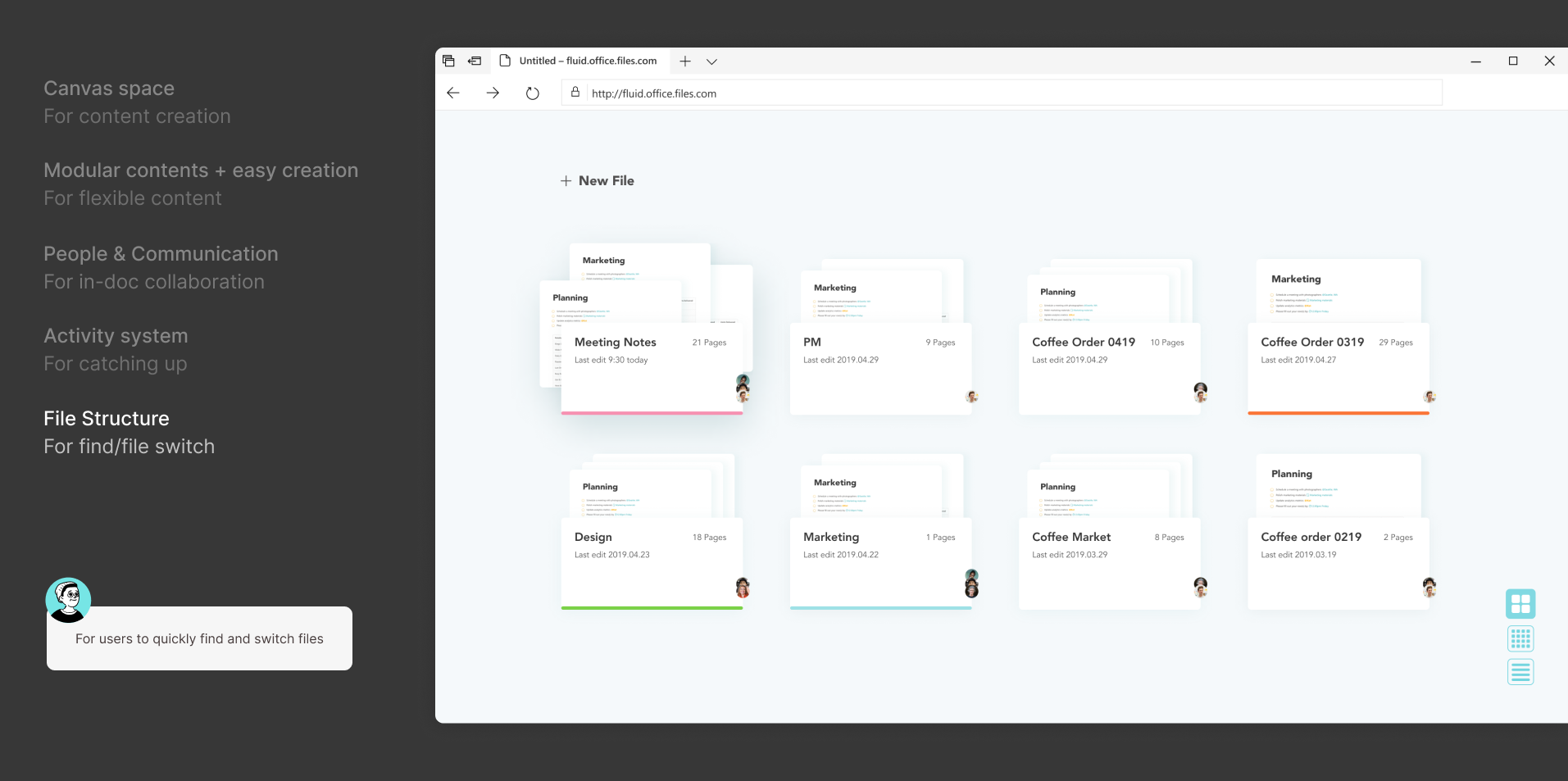
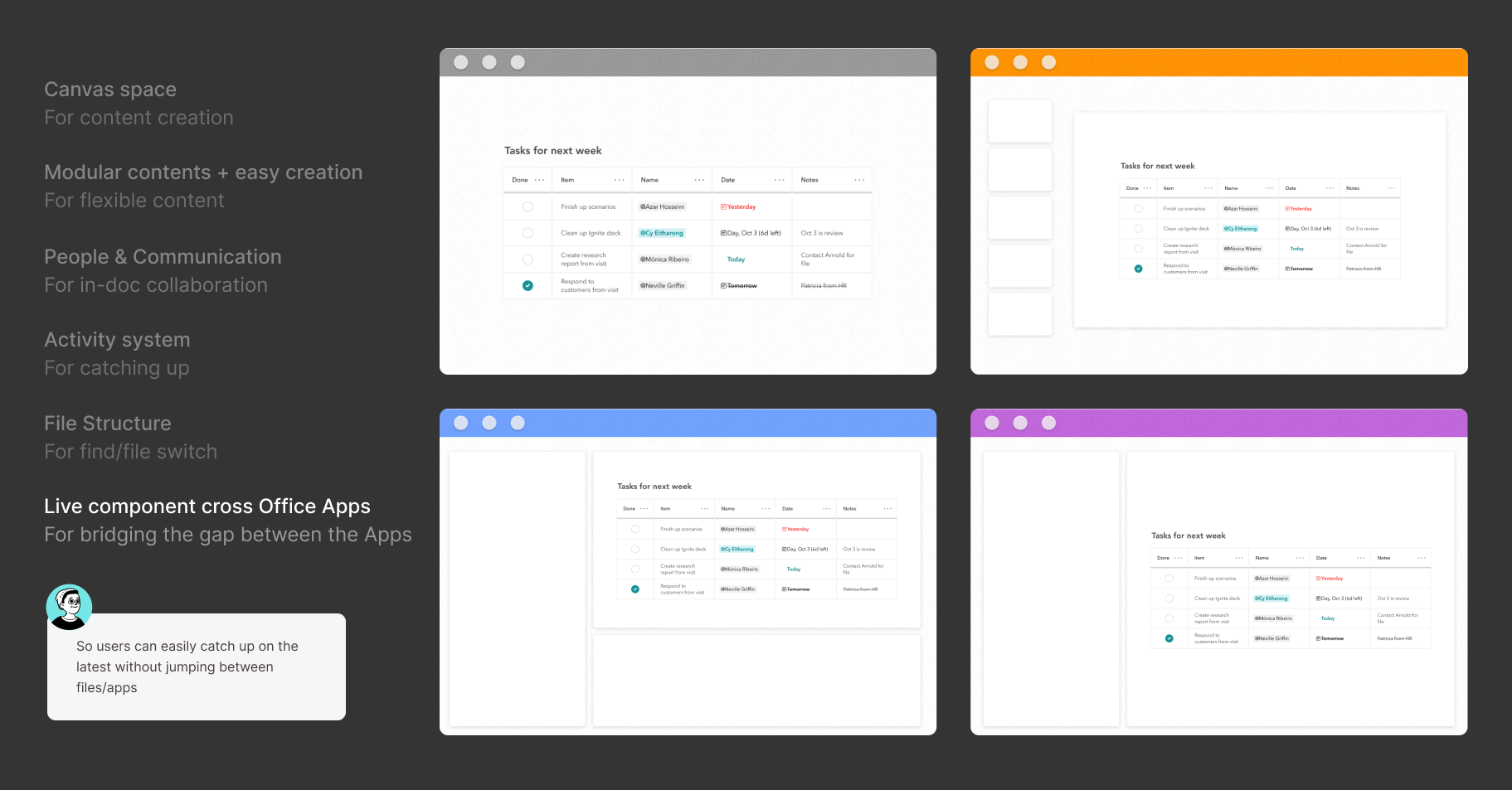
Through the workshops, we decided to start this new product with 5 essential functions:
• Canvas + Modular content creation
• Activity system + Collaboration panel
• File structure
• Modular content blocks
06. FINAL SOLUTION
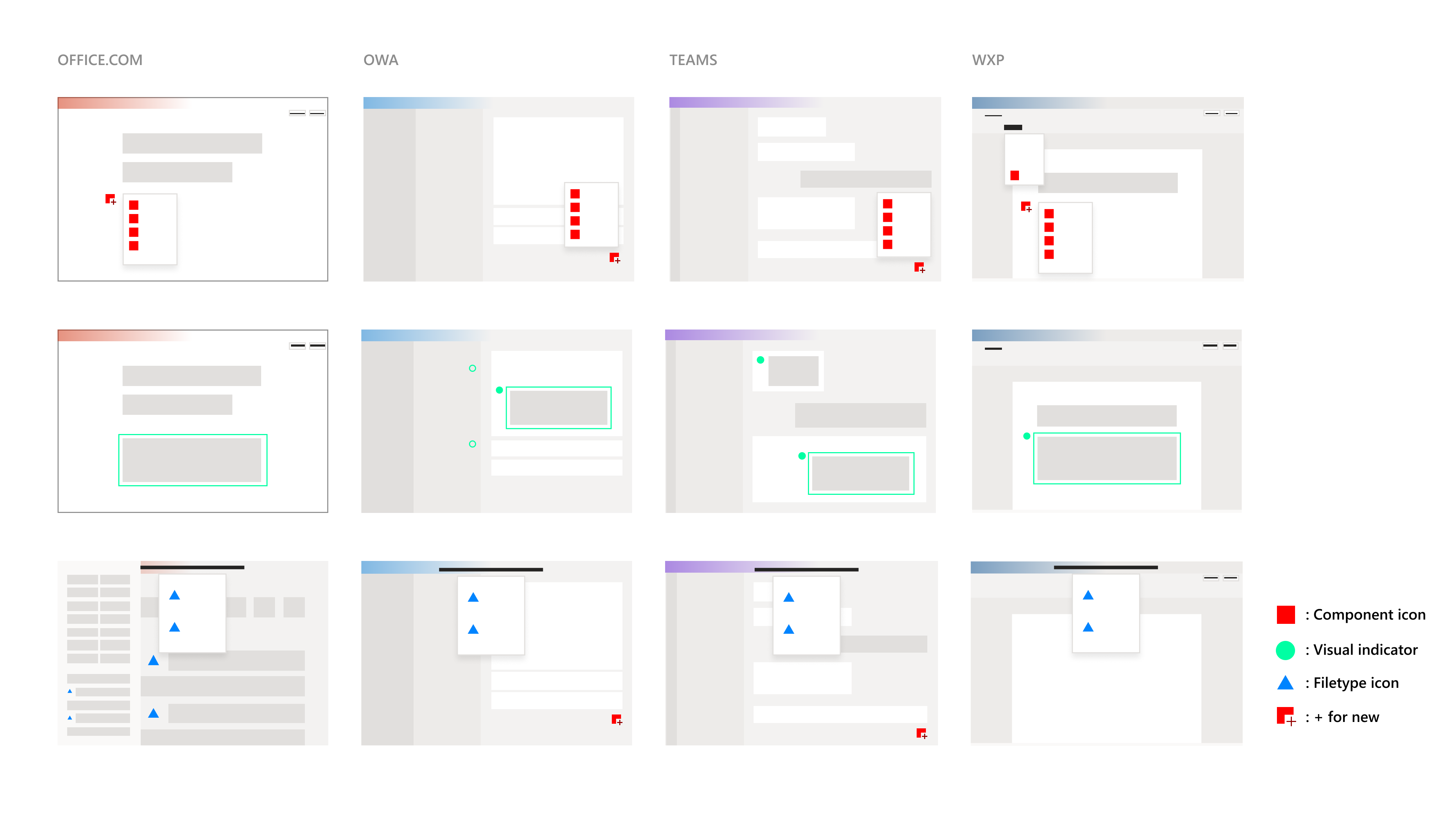
For MVP first launch, we decided to start from the components in Teams and Outlook. User can create/copy-paste Loop component into Outlook and Teams.
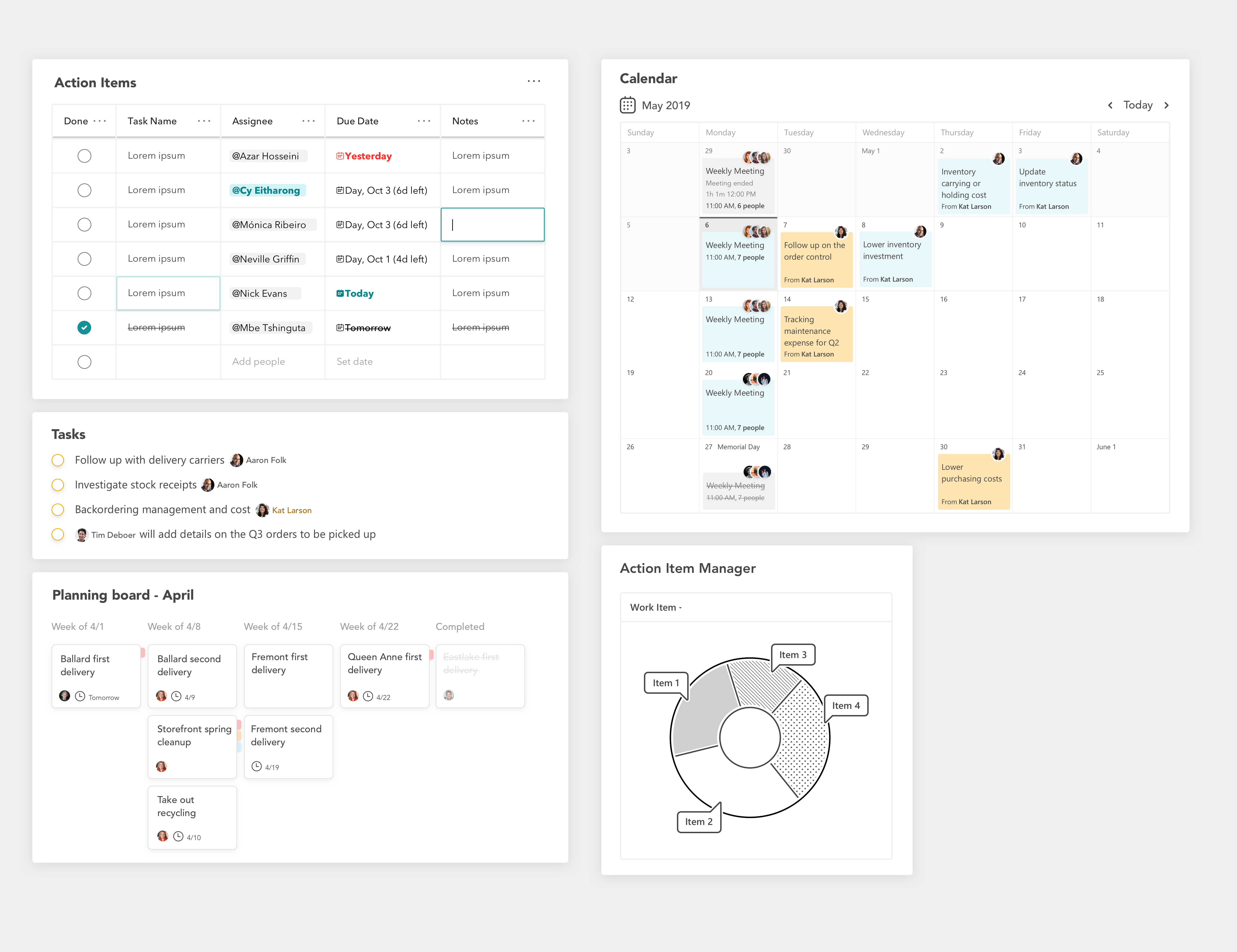
For this launch, we introduced the following key components based on user insights from a survey of ~500 respondents. The top productivity boosting components are:
Table | Calendar | Check list | Boards | Charts.
07. LOOP BRANDING
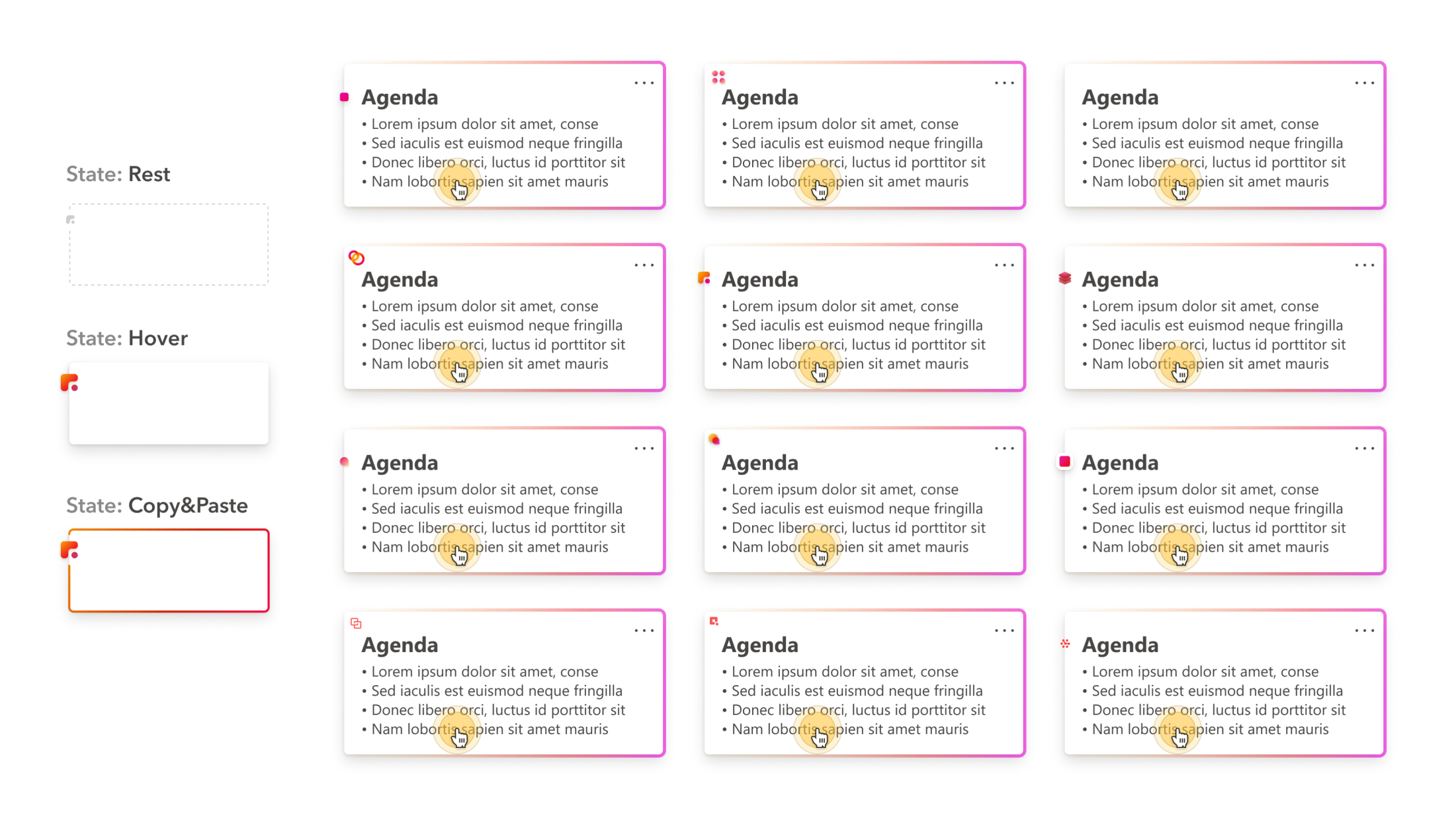
To highlight the uniqueness of Loop components, a distinct visual identity was designed to help users recognize them when they are inserting, reviewing, copying, and rediscovering content.
08. LOOP VISUAL LANGUAGE & UI KIT
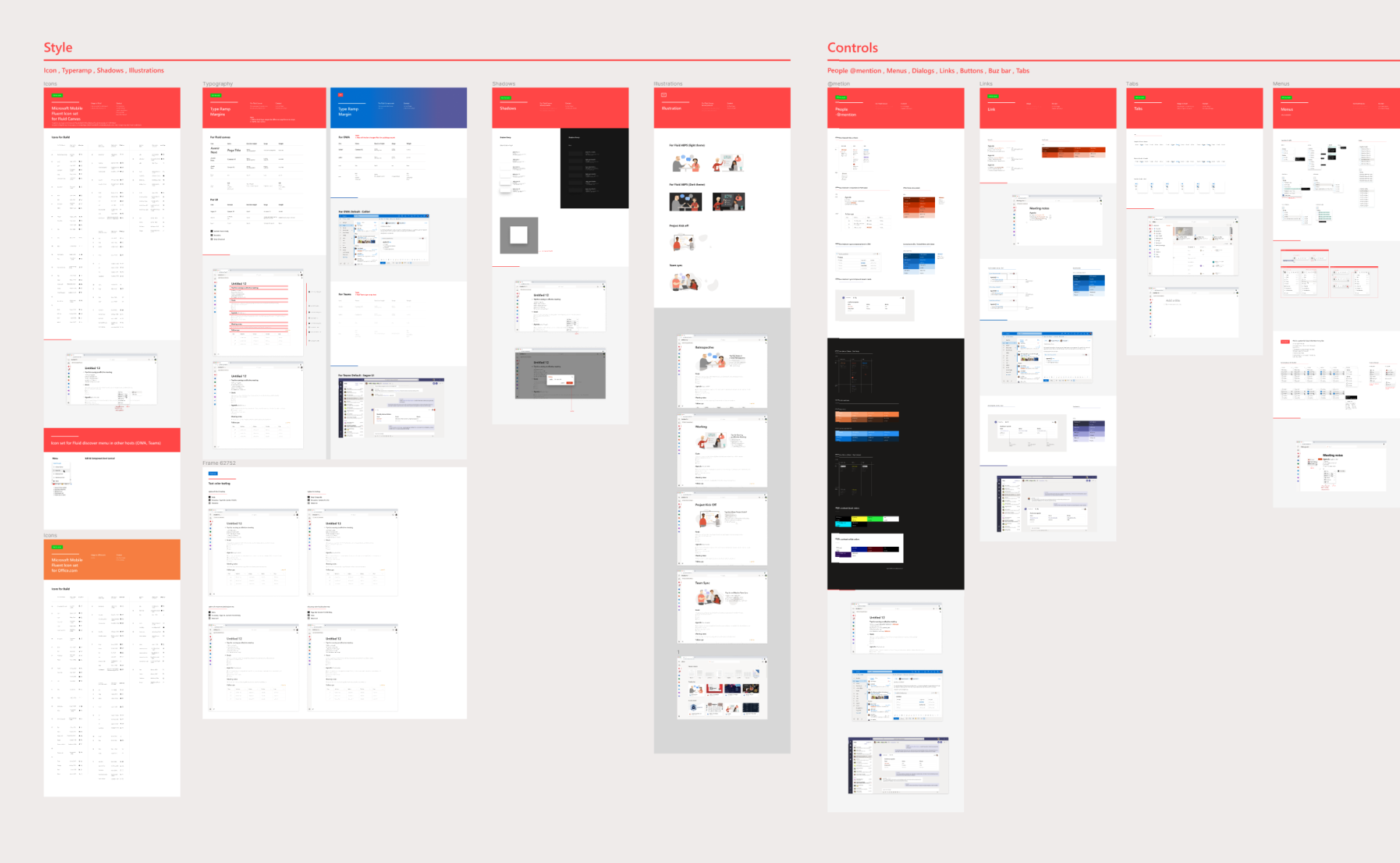
To streamline development, I created a visual toolkit aligned with Office Fluent, providing controls, type ramps, and colors while using Fluid to explore new possibilities.
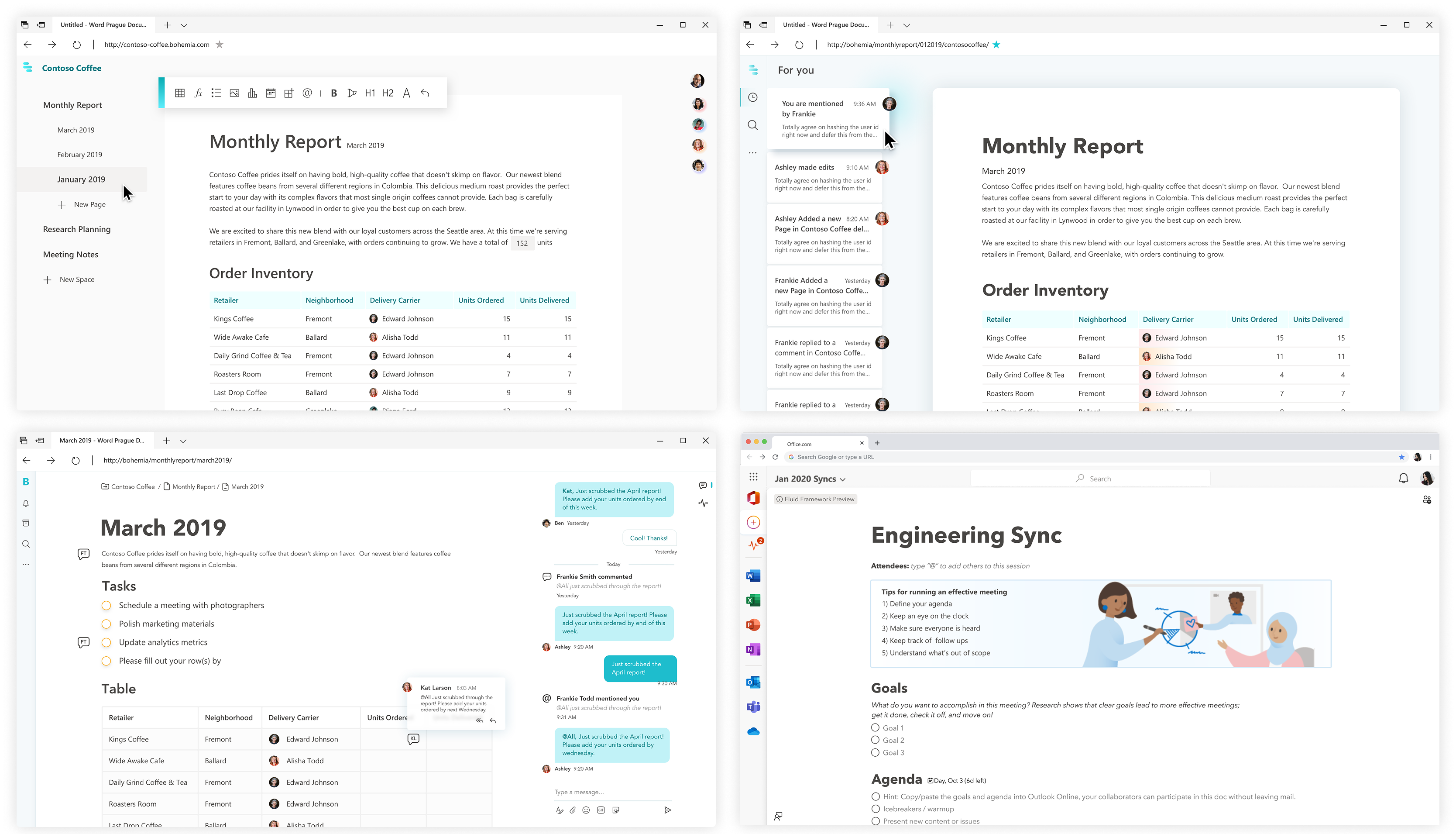
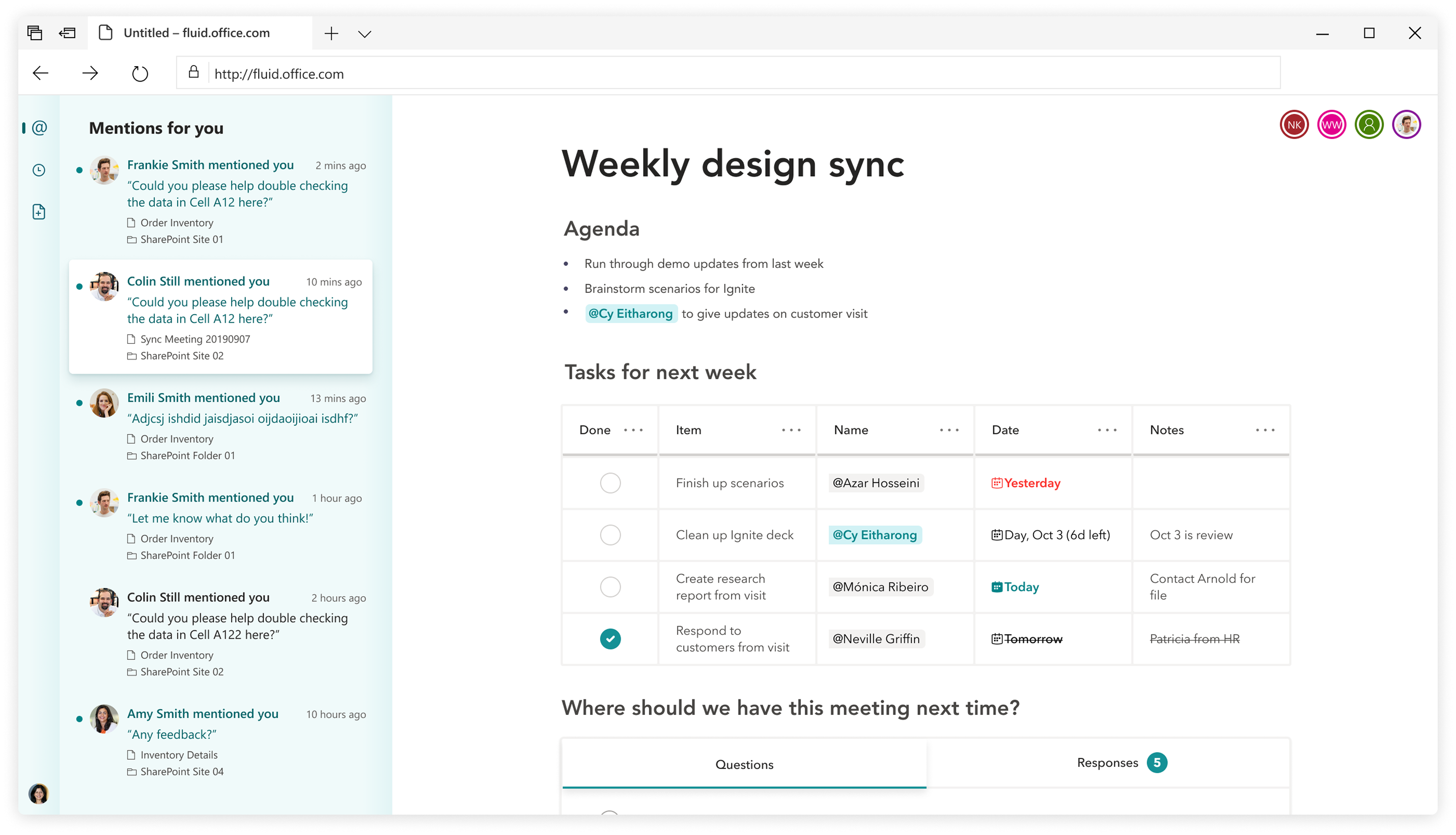
• CANVAS VISUAL DESIGN EXPLORATIONS •
Canvas visual design explorations