In-product Learning Hub

0 to 1 In-product product onboarding solution for Asana

01. OVERVIEW
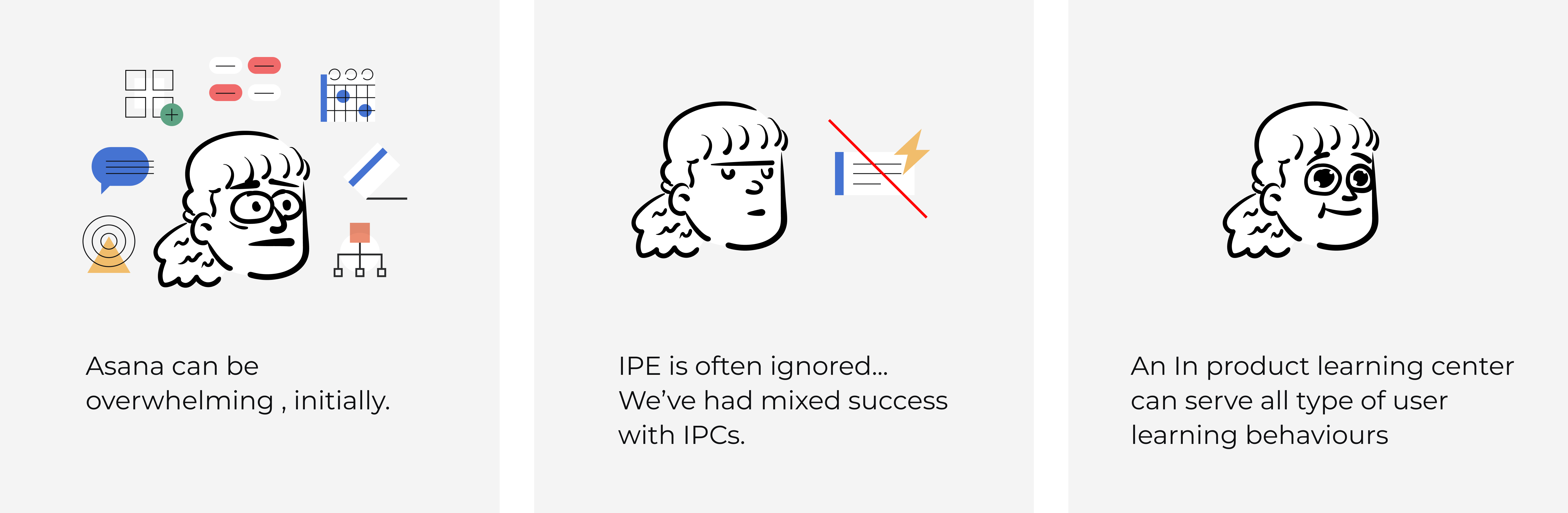
Asana boosts productivity for information workers but comes with a steep learning curve. To make it more approachable, we launched the Asana Learning Hub project.
02. MY ROLE
Design Lead  |  User Research
03. OPPORTUNITY
04. GOAL & SUCCESS MEASUREMENT
05. DISCOVERY ROUND 1
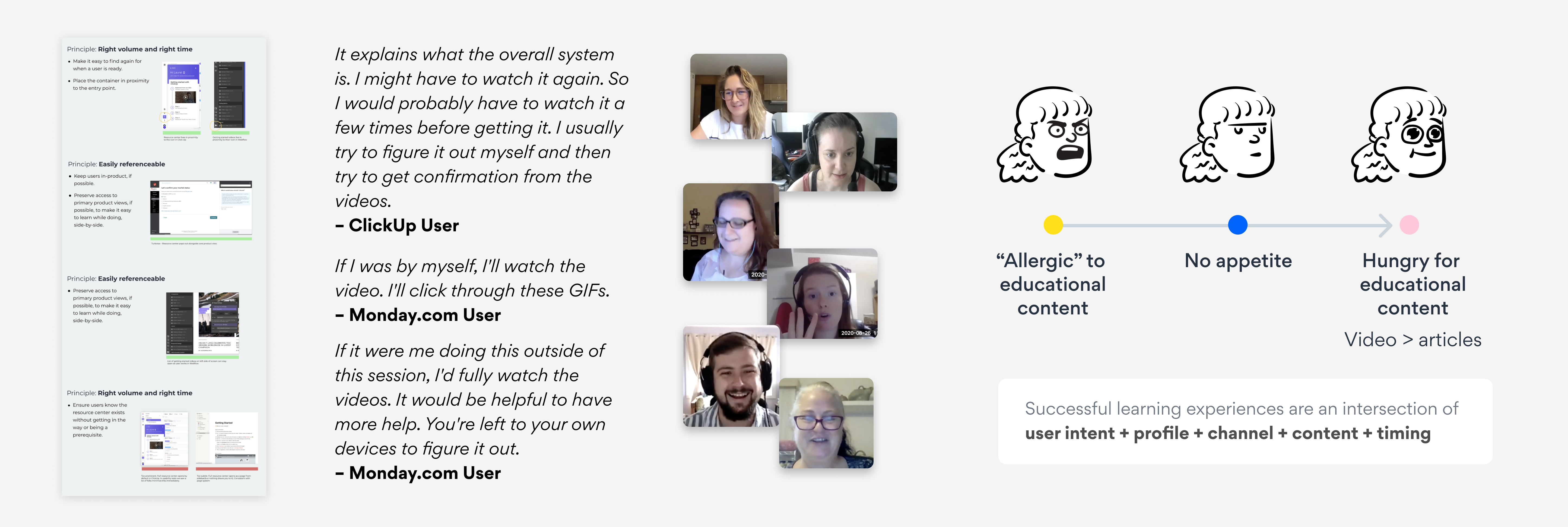
I conducted competitor audits and spoke with users of competing products.
Based on these insights, we identified a user learning pattern for adopting new tools and developed a formula for creating an effective user education experience.
06. SOLUTION ROUND 1
Key Design Decisions
Three key decisions based on the research:
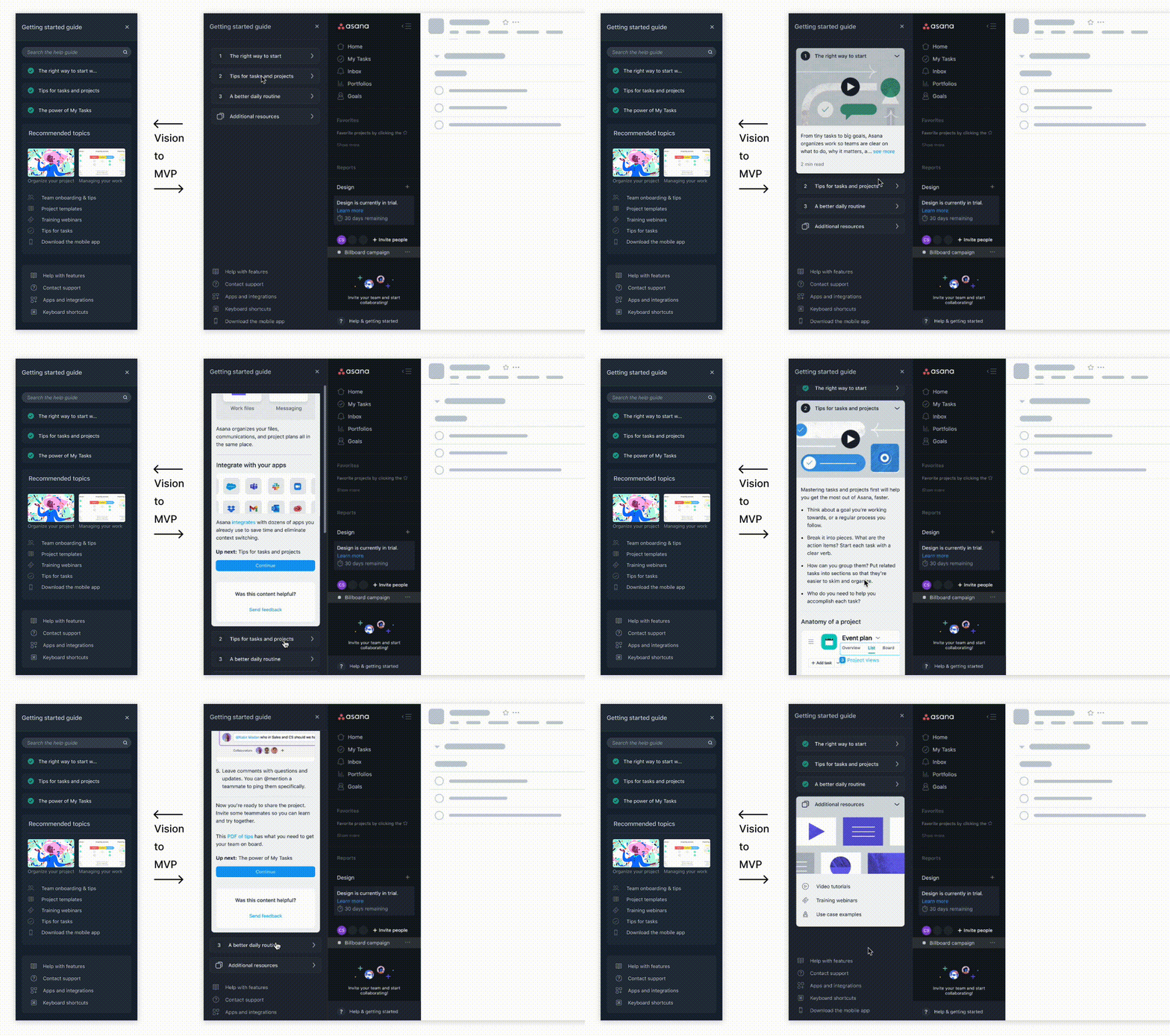
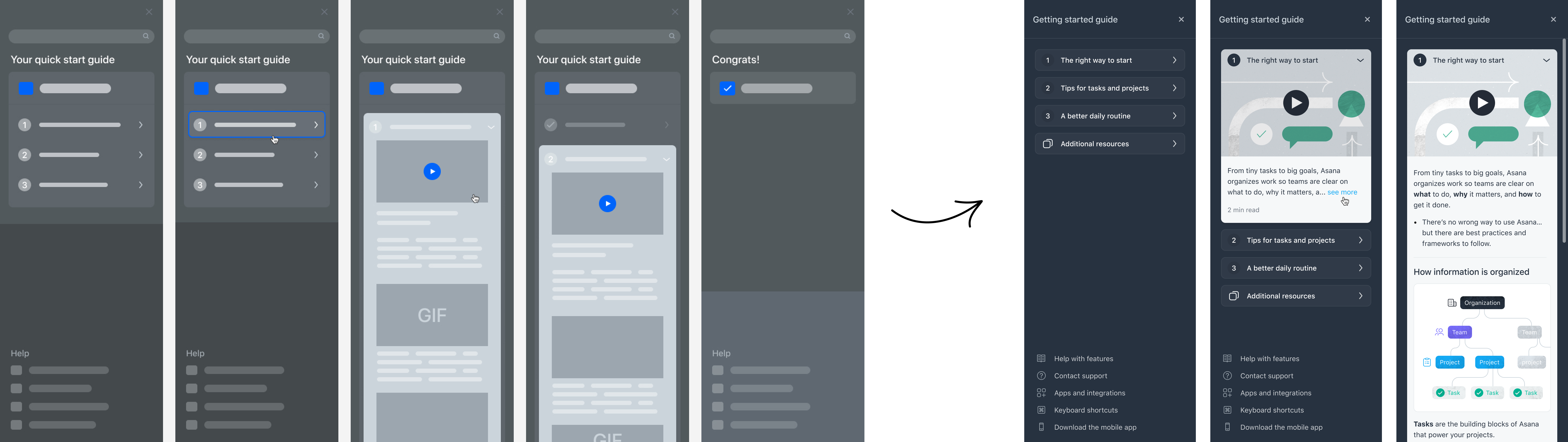
1. Move the Learning Hub entry to the bottom of the left navigation for better visibility.
2. Centralize learning materials in a dedicated in-product left panel.
3. Add an in-product cue to guide new users.
Design Principles
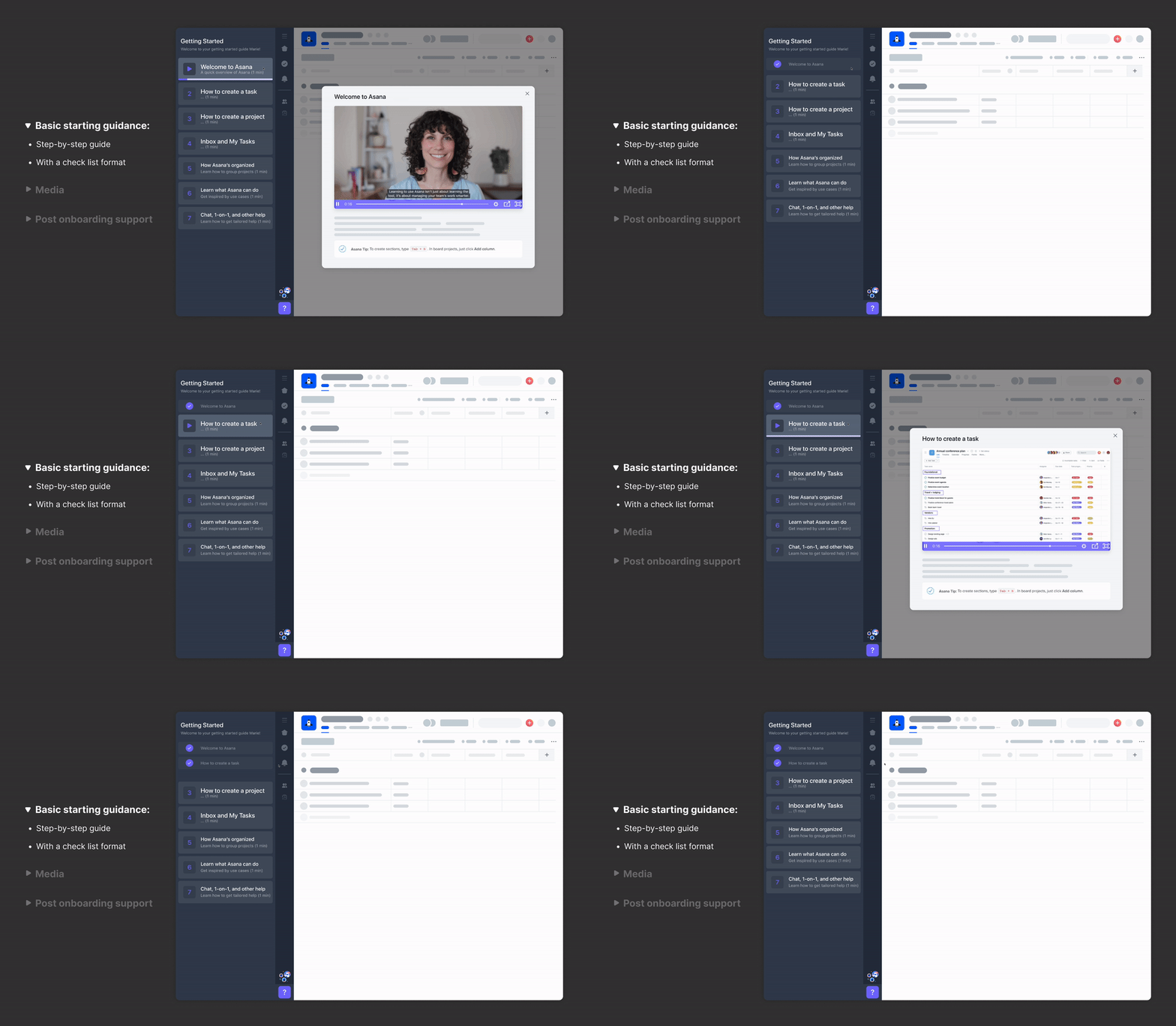
1. Streamline onboarding for new users with basic instructions (Asana ABC).
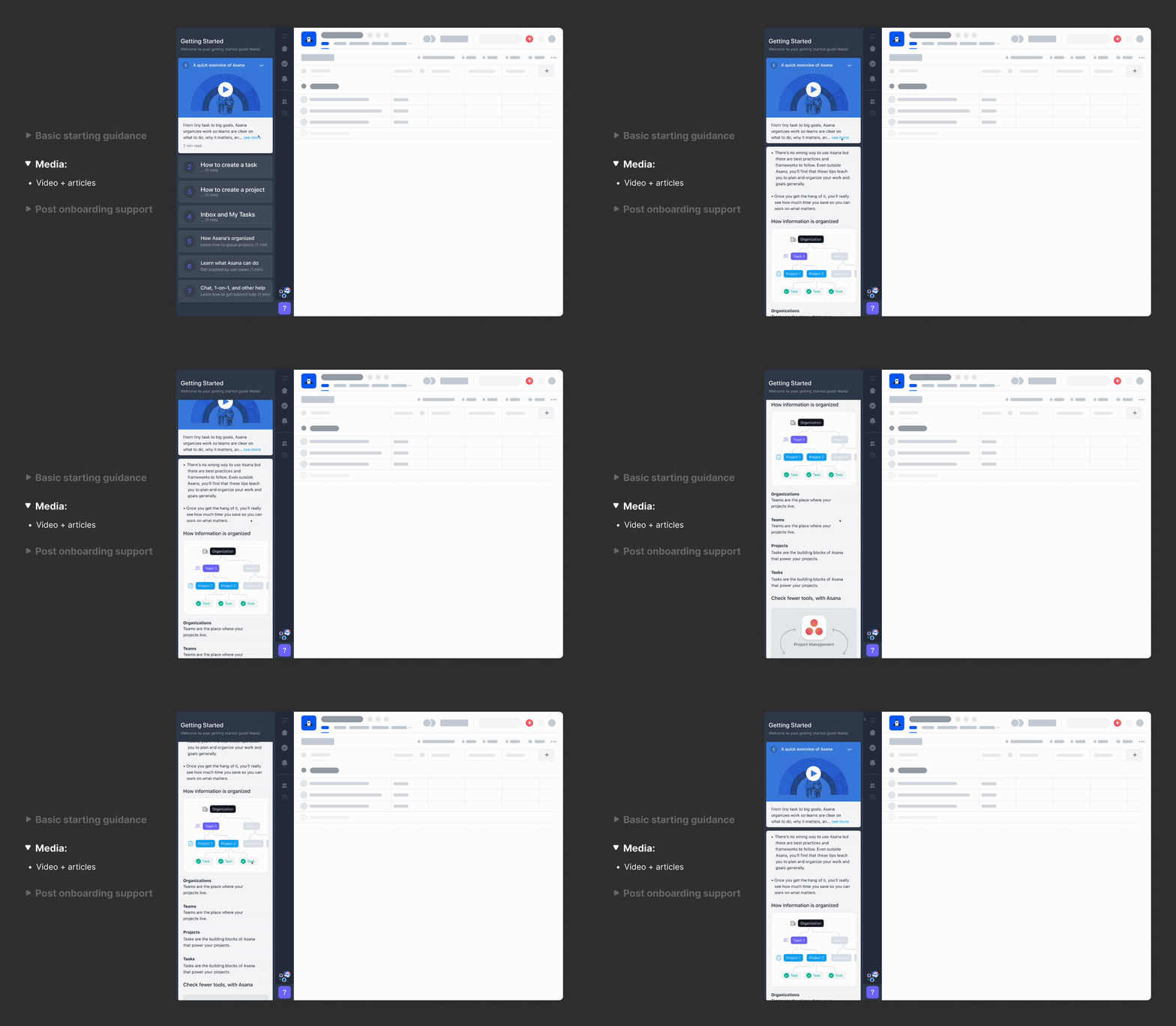
2. Offer mixed media to accommodate different learning preferences.
•  IMPACT & LEARNINGS  •
We launched the MVP with excitement for an eight weeks experiment.
It turned out ok.
• 11% of new users engaged with it.
• 7% up for our learning material engagement
06. DISCOVERY ROUND 2
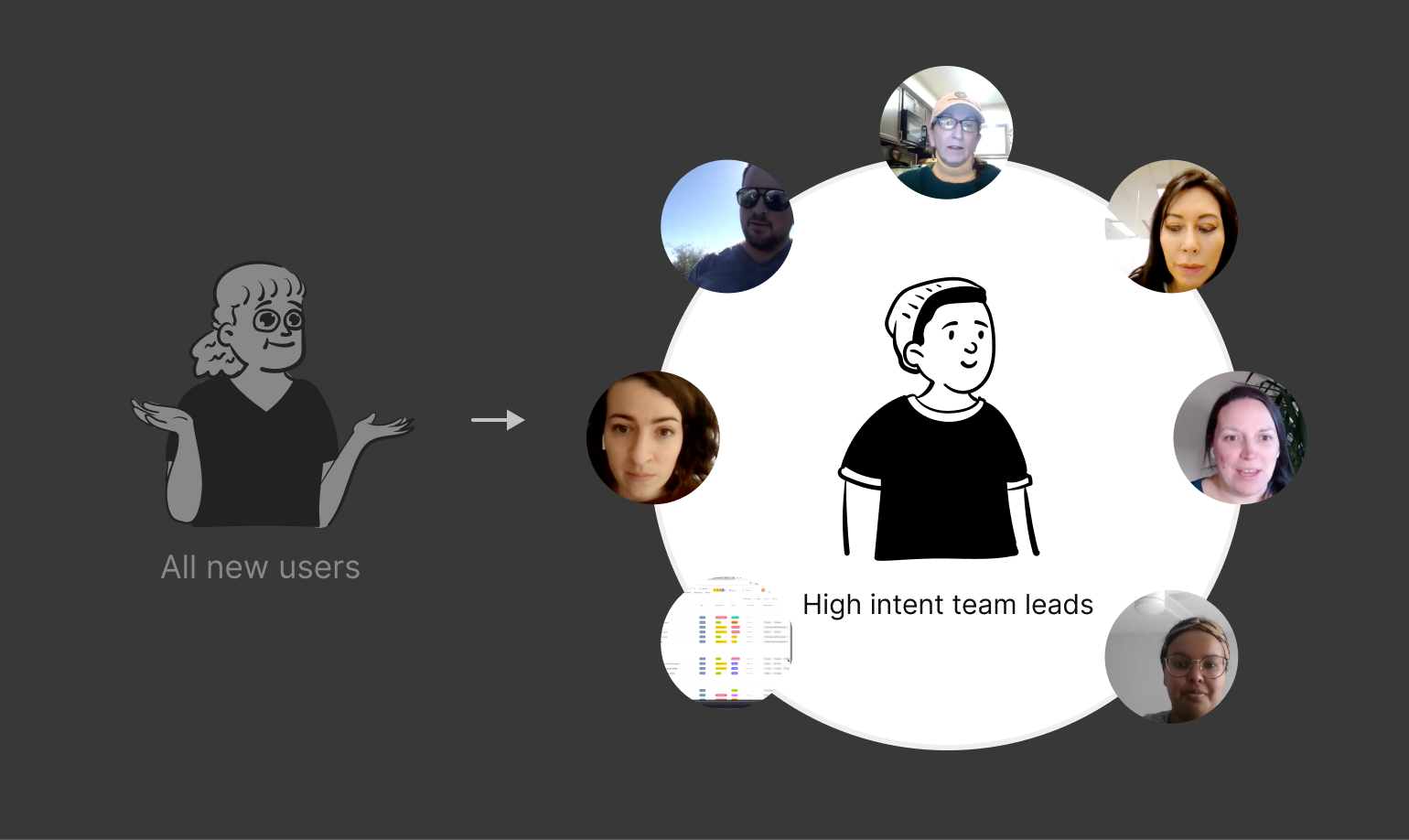
I conducted usability test with seven new Asana users who interacted with the Learning Hub, all of whom were high-intent team leads, validating our target audience.
07. DESIGN ROUND 2
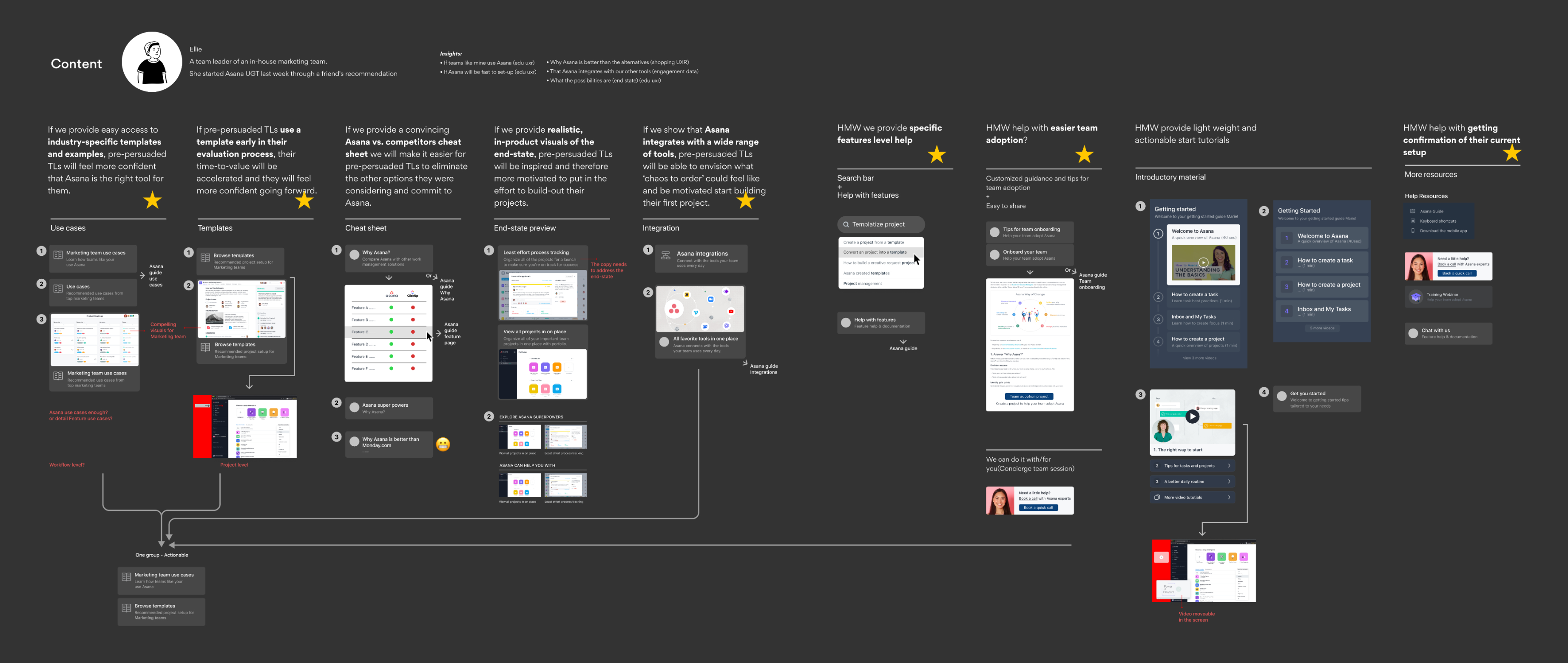
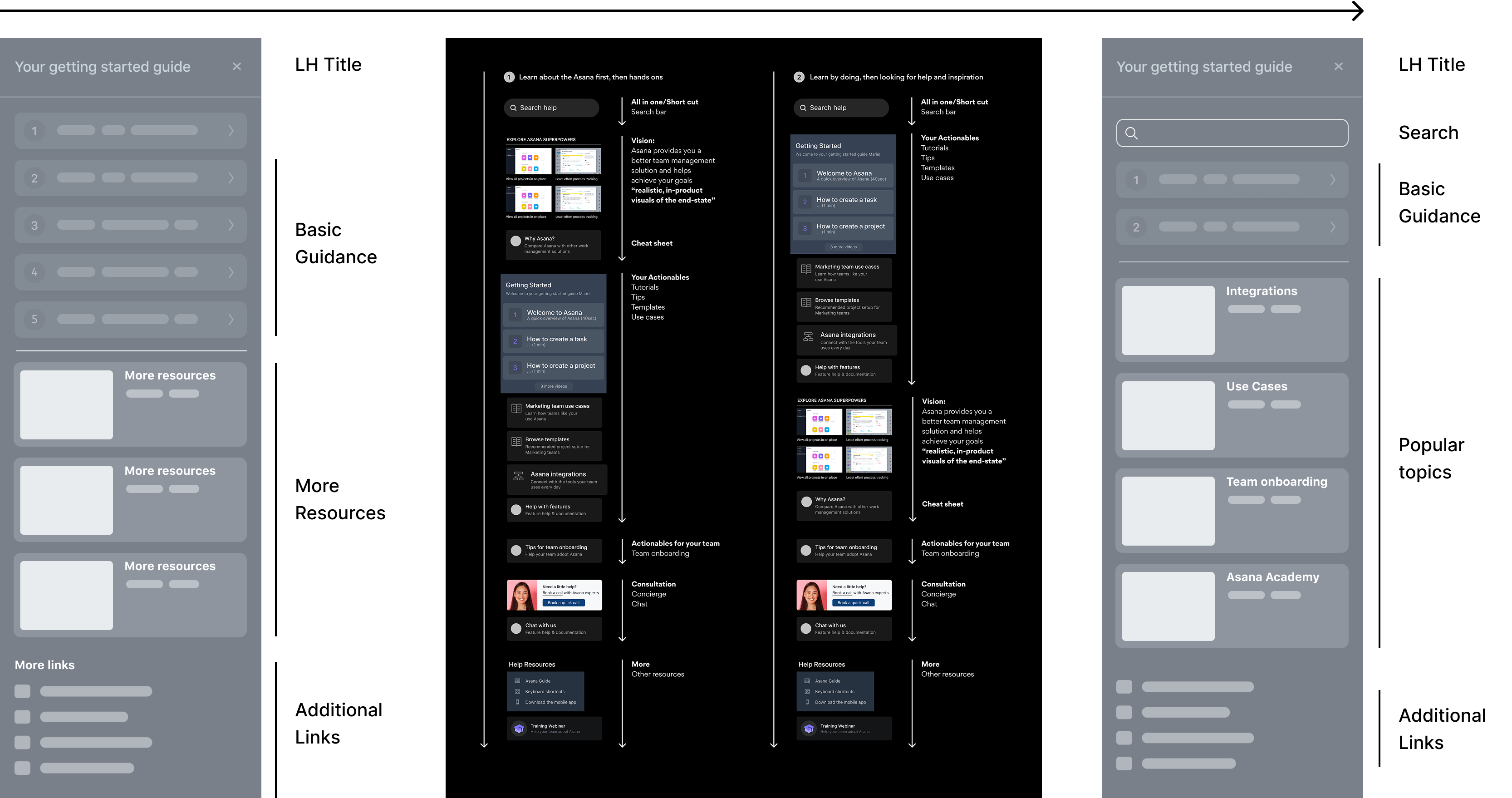
Our research showed high-intent users seek specific answers, like use case inspirations, integrations, and team adoption tips.
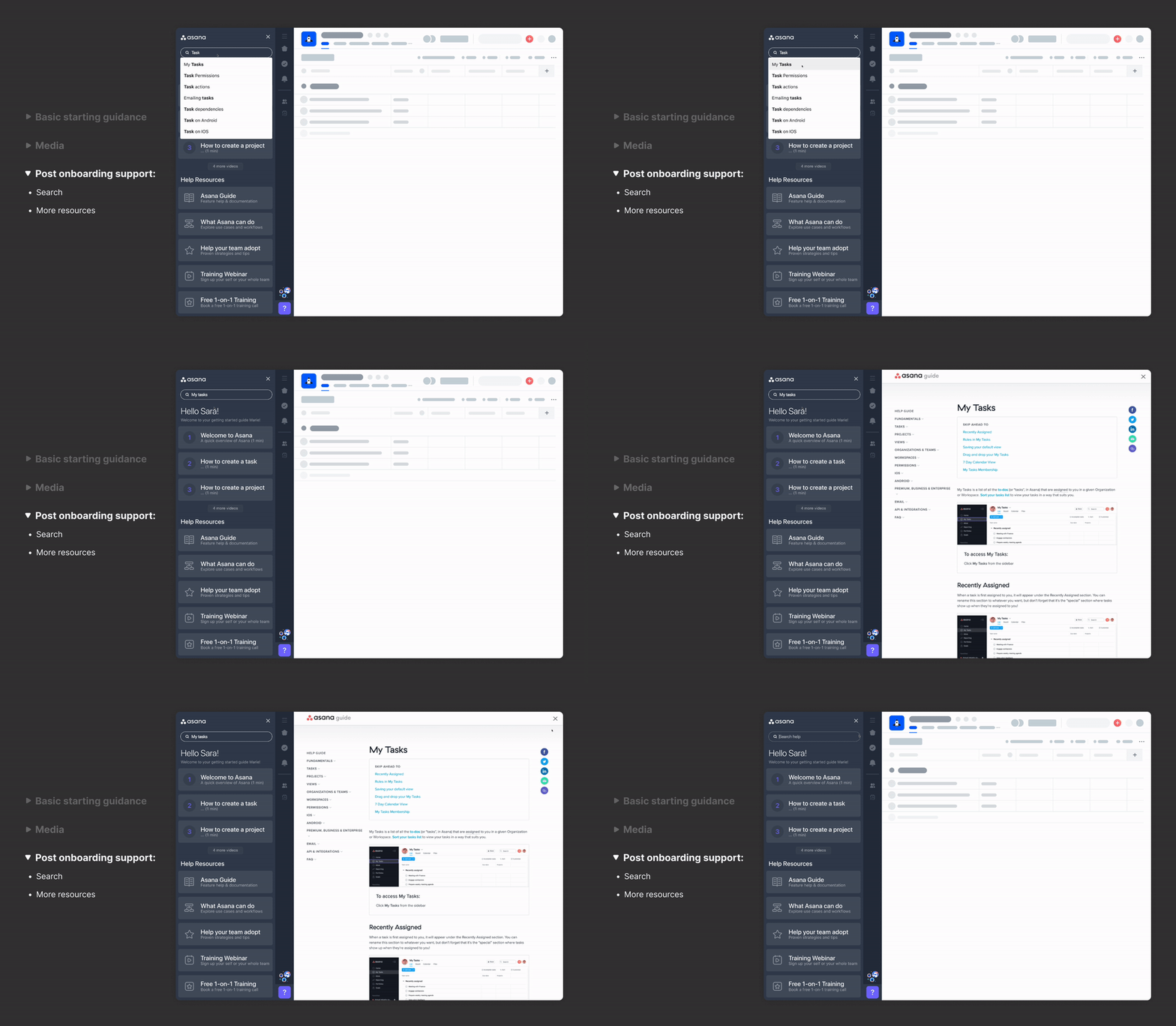
So I mapped out targeted learning materials, including a search bar, shortcuts to the Asana guide and Academy, and three refined tip videos.
Team Fun Time!
And then conducted a card sorting exercise with core stakeholders to decide on the final layout.
08. FINAL SOLUTION
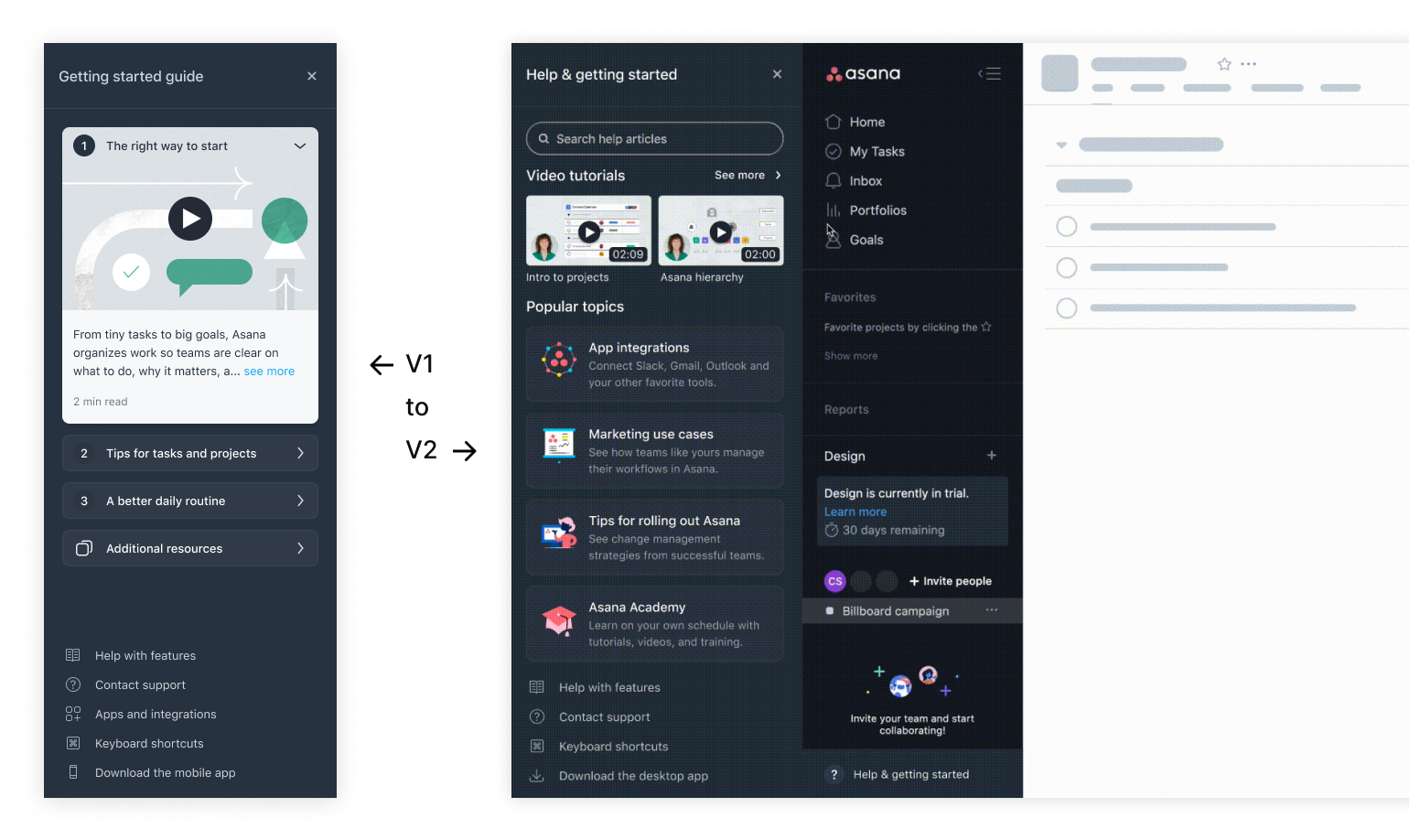
In the final version, we restored search for high-intent leads, shifted from basic intros to FAQs, and replaced in-hub content with links to Asana Academy.
09. IMPACT
• 40% learning resource engagement increase .
Better local learning hub engagement:
• 
Bounce rate is 2.61pp.
• 
LowerMedian time spent is 20s longer.
• 
The search bar was a successful approach: 1 out of 5 (20%) new users who opened Learning Hub v2 engaged with the search bar!
Powering Enterprise Onboarding
The Learning Hub now supports enterprise customer team onboarding, serving as a central space where Asana helps clients design and showcase internal guidance and best practices.
10. DESIGN ITERATIONS
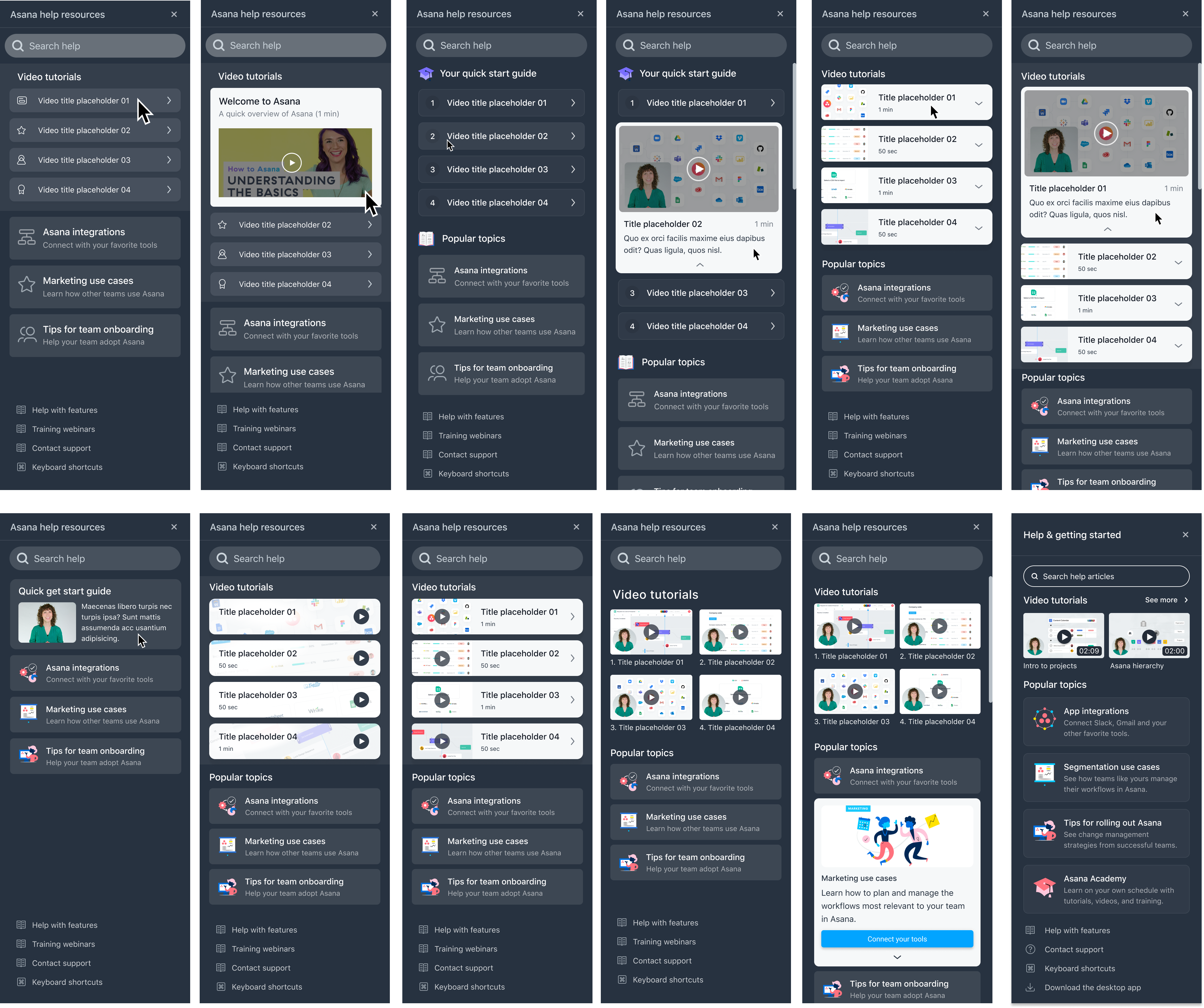
The design iterations focused on three key areas:
1. Defining the right content to help users quickly learn Asana.
2. Prioritizing content to cater to different user segments.
3. Crafting the visual design for the Learning Hub and its content.